How to take down a phishing site
Last reviewed by Phish Takedown
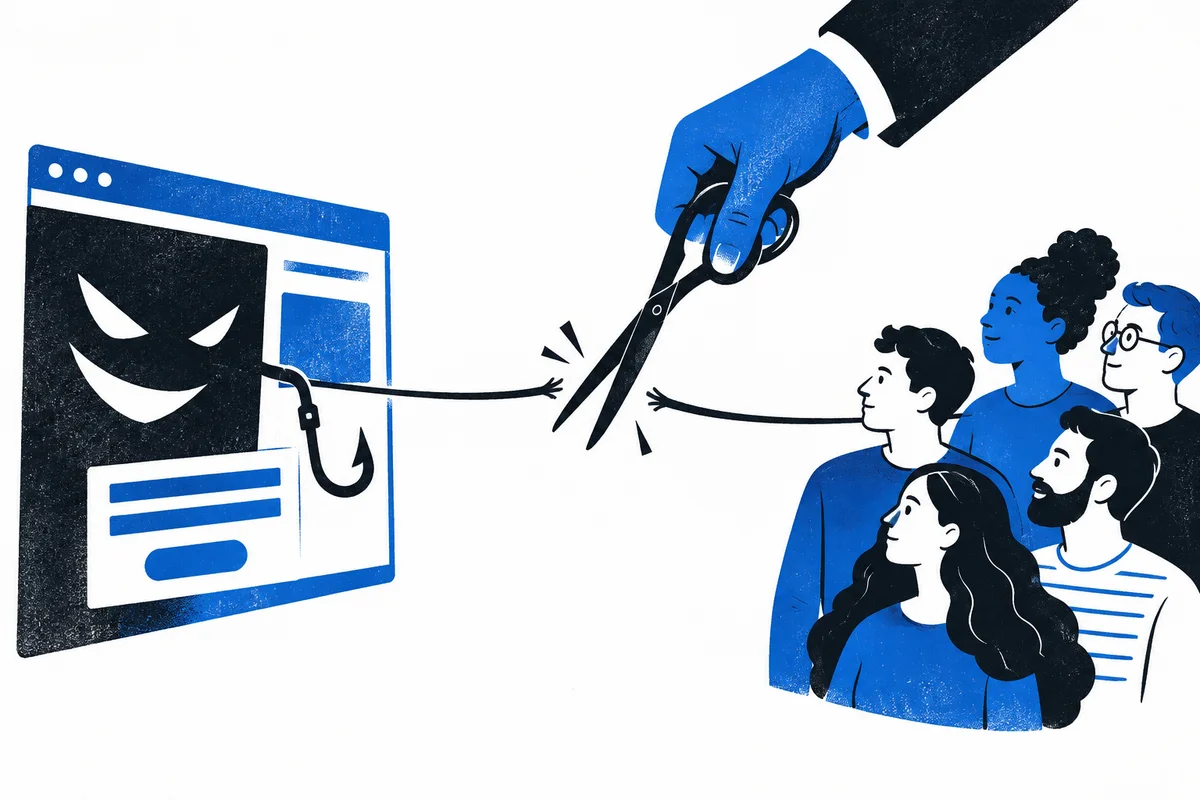
You cannot normally remove somebody else’s website yourself. A phishing site has to be disabled by a company with control over part of its infrastructure, such as the hosting provider, domain registrar, website platform, or network serving its content.
A good takedown report gives those companies enough information to confirm the abuse and act without sending more people to the site.
Save the full URL, including the page path and anything after it. Do this without opening the link if possible. Email and messaging apps usually let you copy an address from the menu attached to the link.
Note where the link was posted, who the page pretends to be, and what it asks visitors to enter or approve. A screenshot you already have can help, but do not revisit the site simply to create one. Never submit real or made-up credentials to test the form.
The quickest option is to report the URL to Phish Takedown. We review submissions before sending confirmed cases to the companies that can act on them. Include a short description of the message or page; you do not need to identify the hosting company yourself.
You can also report the page to the company being impersonated and to browser protection services. Google accepts suspicious pages through its Safe Browsing report form. Report the original email, direct message, advert, or search result on the platform where it appeared as well.
These reports do different jobs. A platform can remove the message or account, a browser service can warn visitors, and an infrastructure provider can disable the website.
What happens after you report it
The domain name and the website may be managed by different companies. A registrar controls the registration of the domain. A hosting provider or site-building platform may store the page. A content delivery network may sit between the visitor and the host.
The right recipient depends on the site. Investigators check the infrastructure, document the phishing behaviour, and send the report to the provider whose service is being abused. Providers then review the evidence under their own policies.
Sometimes a site is removed within hours. Sometimes the first report goes to a reseller or intermediary and has to be escalated. A scammer may also move the page or register another domain. Takedown work often continues after one URL stops loading.
Trying to break into a phishing site, overwhelm it with traffic, or damage its files is not a safe takedown method. It can be illegal, destroy useful evidence, affect other customers on shared infrastructure, and expose your own device or address.
Do not contact the scammer to announce the report. Keep the evidence you already have and let the relevant providers handle the site.
Treat the link as active even if it temporarily stops loading. Warn people who are likely to receive it, but use a screenshot or non-clickable description rather than reposting the live URL. Moderators can remove messages and restrict compromised accounts while the site report is processed.
A takedown cannot undo information or money that has already been stolen. Anyone who entered a password or approved access should secure the affected account immediately. Our guide for people who clicked a phishing link explains the next steps.